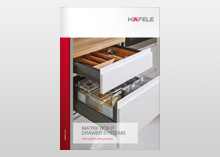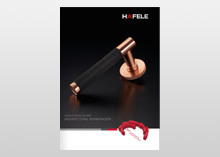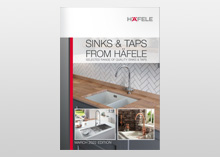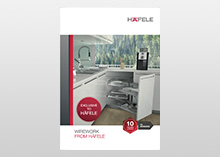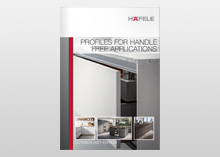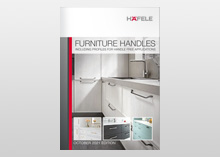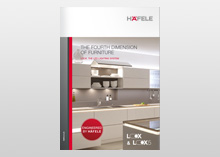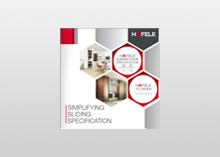

Catalogues and Brochures
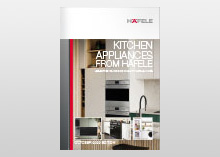
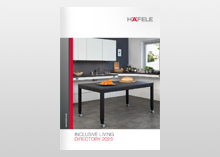
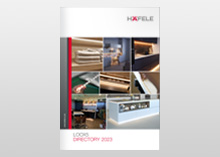
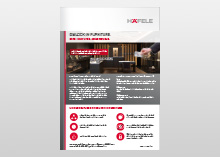
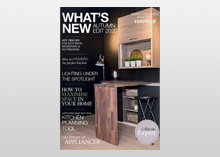
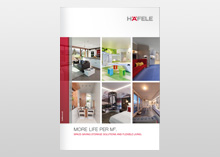
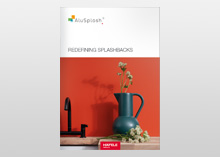
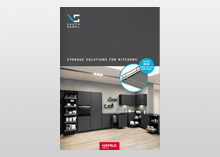
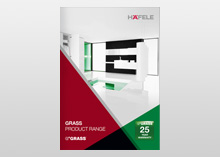
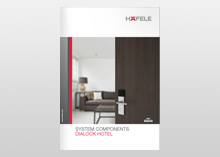
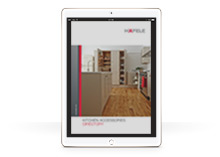
Here you can order the latest Häfele UK literature or browse the most up to date versions straight on your screen
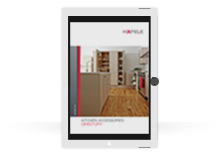
Or, why not download our app so you can view all of our literature when you are on the go on your mobile or tablet?
- Directories
- Brochures
- Apps
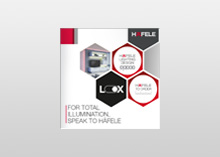
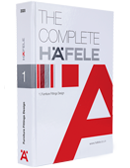
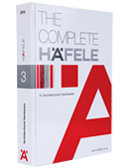
The Complete Häfele: Furniture Fittings Design
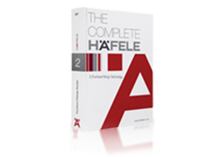
The Complete Häfele: Furniture Fittings Technology

Hafele Catalogue App Version 2.3.0
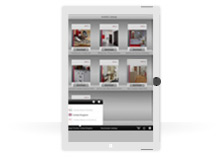
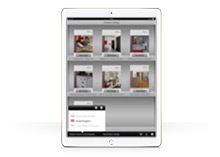
The Häfele Catalogue App has now been optimized to work with current smartphones and tablets. The app allows users to download the Häfele eCatalogues onto a device so they can be viewed on the go, without wifi. Available on the Apple App Store for iPhones and iPads, or on the Google Play store for android devices version 5.0 and up.
About this App
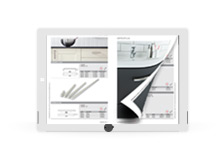
All Häfele catalogues can be accessed on your device using the Häfele App. You can flip through numerous catalogues to view and order products online.
The Häfele App can be used both as a Sales aid and a Planning tool, as catalogues can comfortably be viewed anywhere it makes carrying heavy catalogues around a thing of the past. Catalogues are continuously being updated meaning you will always have the very latest product information to hand.
All catalogues can be downloaded and viewed offline.
Simply browse through the catalogues, choose your products and order, when online, with just a few finger touches using this App.
FAQs
Do I always see the latest publications?
Yes, each time you open the app, the latest publications will be displayed. Additionally, you can grab the shelf at the top and drag it down to reload it. Updates to already downloaded publications will be specially marked.
How can I download all publications at once?
Tap the download icon at the top of the shelf view to open the download manager. There you can select all issues via button or select several issues to download them at once.
How can I delete downloads from my device?
Tap on the trash icon on the preview screen of the publication you want to delete.
How do I manage the disk space of the app?
You can always delete downloaded publications if you don’t need them offline anymore.
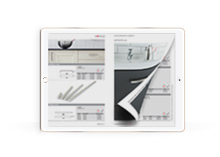
Can I deactivate the page-flip effect?
Yes. Open the tab ‘Settings’ and go to the ‘Settings’. Switch the sliding button to activate the slide view instead of the page-flip effect.